BLE Sound Controller

Sounds.
Wireless.
Instant.

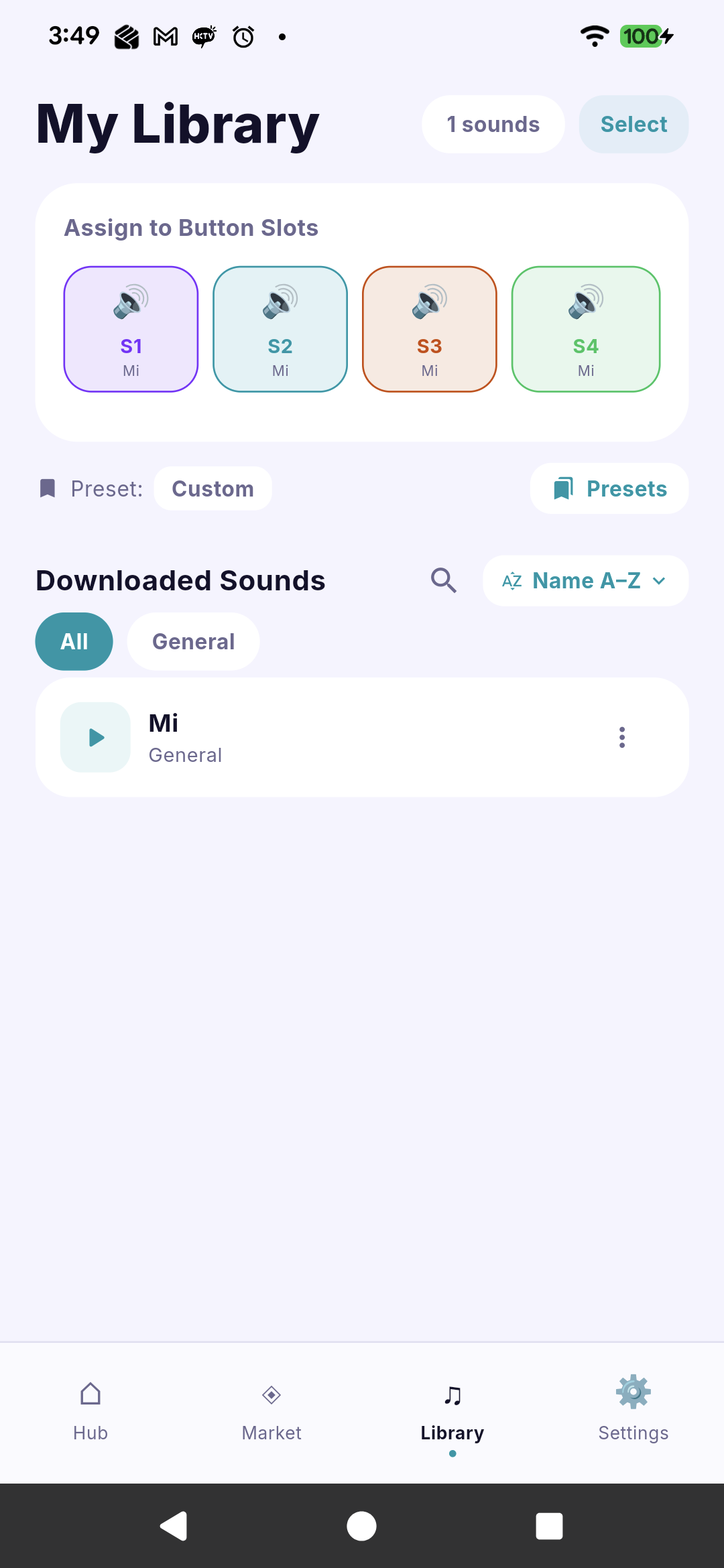
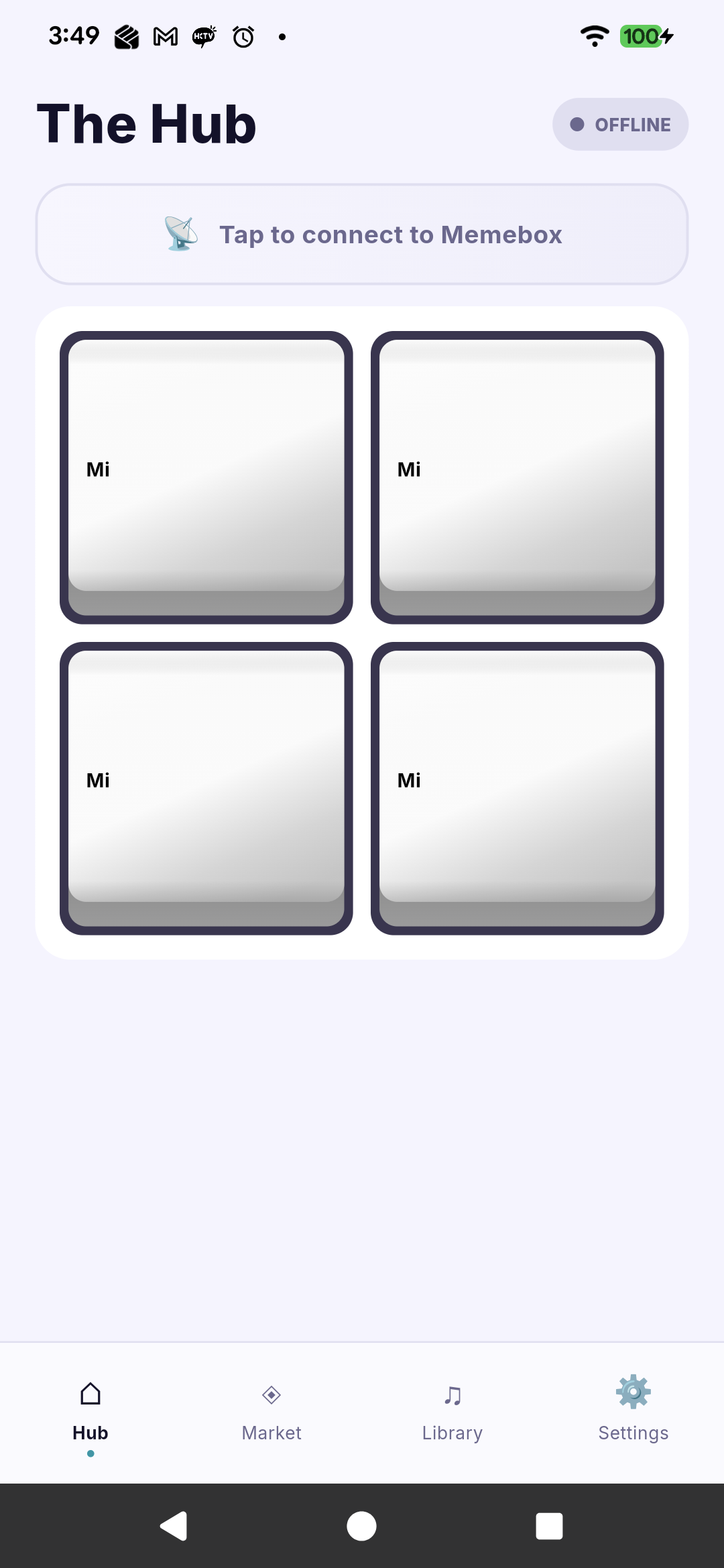
MemeBox connects to your BLE sound device, lets you browse & purchase a growing library of sounds, and trigger them wirelessly — right from your phone.

🧪  Currently in beta testing
50+
★★★★★
Sounds in library
BLE
▬▬▬▬▬
Instant wireless trigger
2
● ●
iOS & Android

Everything you need,
beautifully designed.

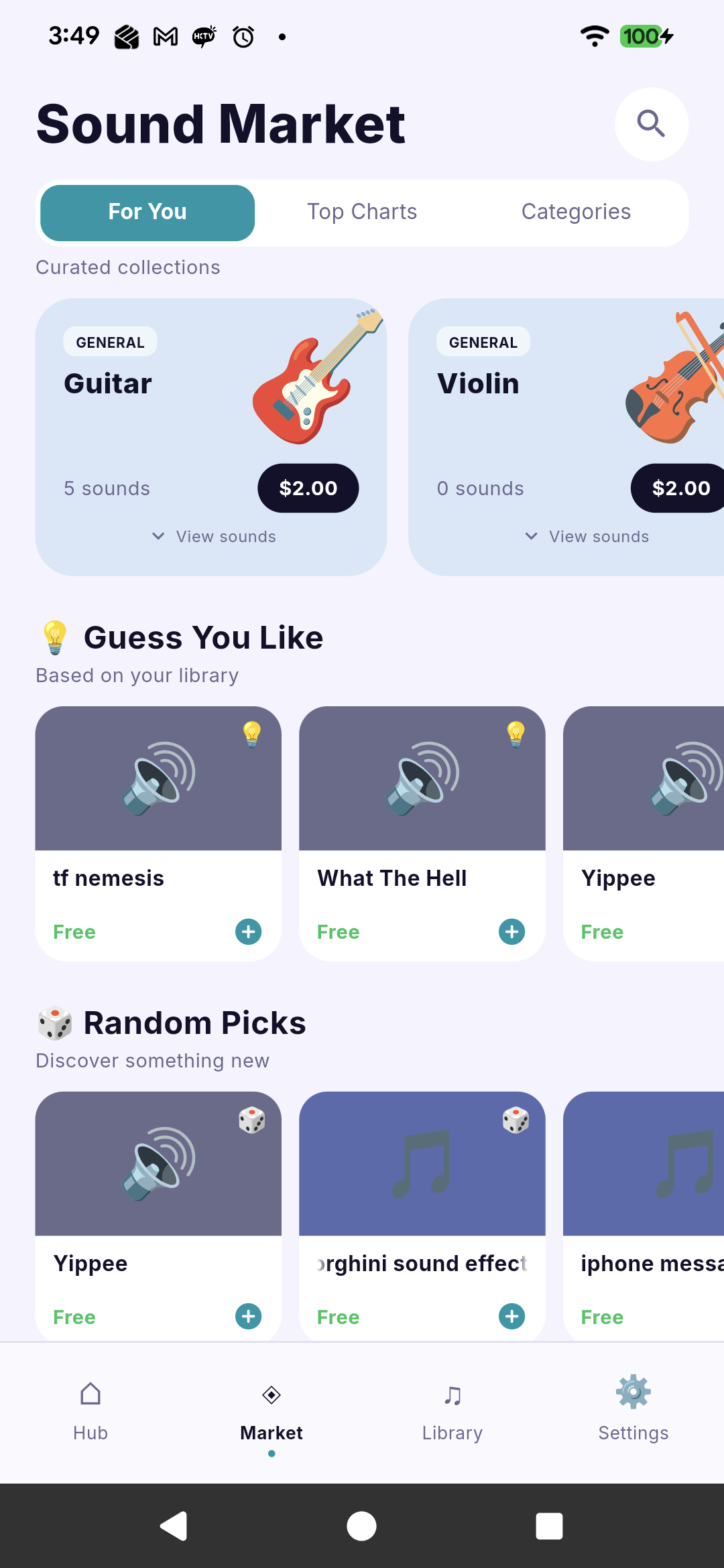
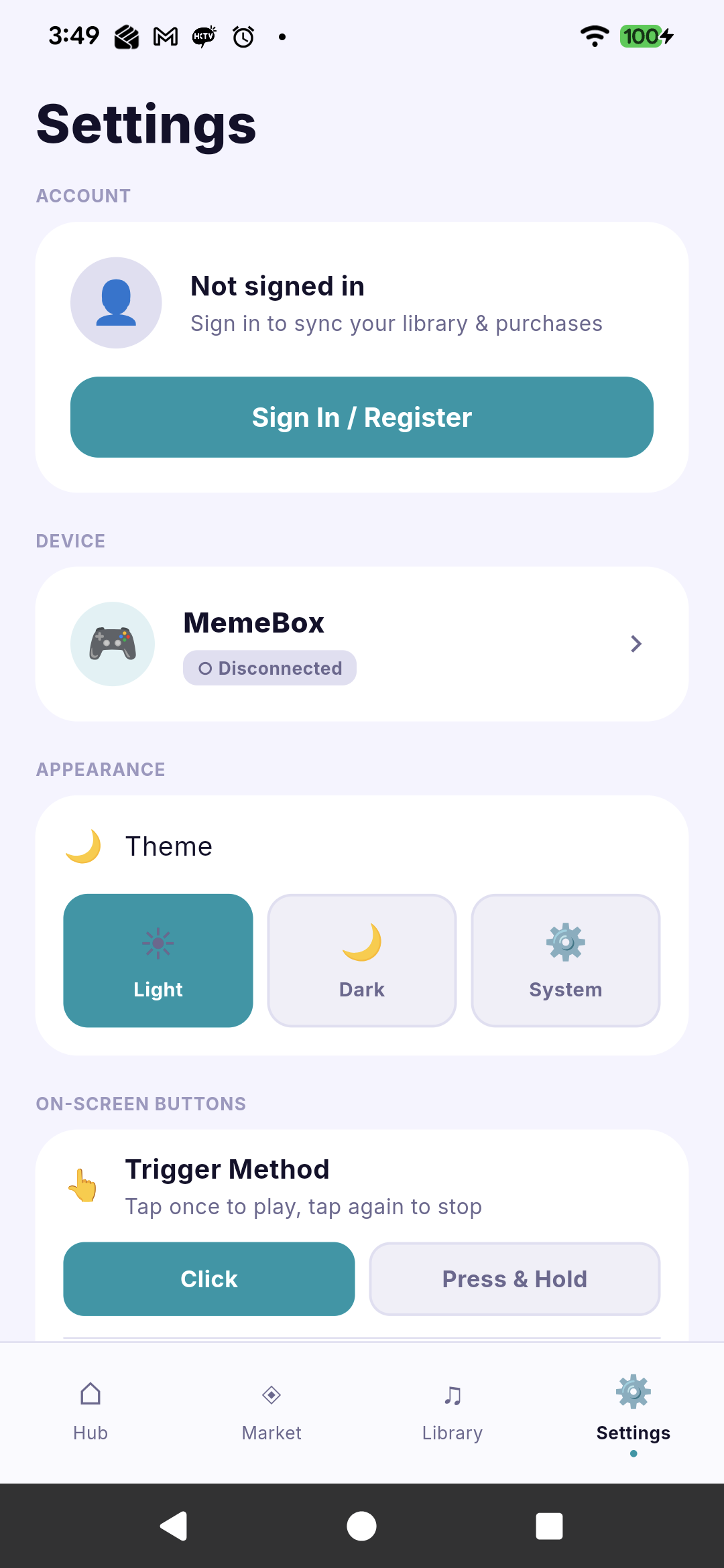
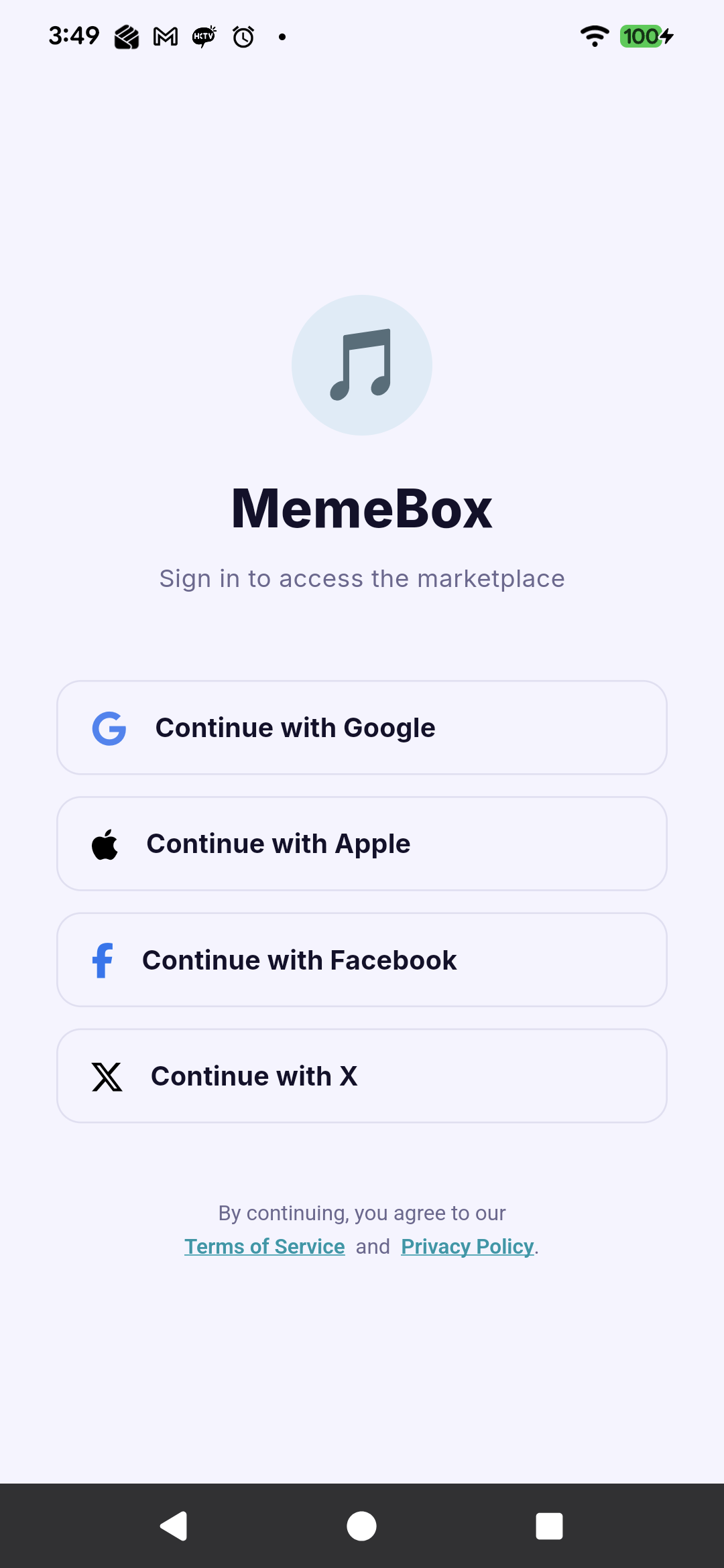
Swipe to explore the app screens.

Built for every moment.

📡
Instant BLE Trigger
Tap a button — your MemeBox device plays the sound immediately.
🛒
Growing Marketplace
Browse free and premium sound packs. Buy once, download forever. New content added regularly.
🔐
Sign In Your Way
Apple, Google, Facebook, X, or email — your account, your choice. Free sounds require no login at all.
📦
Sound Packs
Curated collections themed by mood, genre, or meme culture. Buy a pack and get all its sounds at once.
🌙
Dark & Light Mode
The app follows your system preference. Beautiful in both dark and light, day or night.
💳
Secure Payments
Powered by Antom (Alipay+). Your payment details are never stored on our servers.

Try MemeBox today.

Both platforms are currently in testing. Links will be activated once builds are approved.

iOS / iPadOS
MemeBox
🧪  TestFlight Beta

Join the public beta via Apple TestFlight. You'll need the TestFlight app installed on your device.

Requires iOS 13.0 or later
iPhone, iPad, iPod touch
Bluetooth LE required
Join Beta on TestFlight
Android
MemeBox
🔧  Direct APK (Sideload)

Download the APK directly and install it manually. You may need to enable "Install from unknown sources" in your device settings.

Requires Android 6.0 (API 23)+
Bluetooth LE required
Allow installation from unknown sources
Download APK

📋 How to install the Android APK

  1. Download the APK file to your Android device.
  2. Open Settings → Security and enable Install from unknown sources (or Install unknown apps).
  3. Open the downloaded APK file with your file manager.
  4. Tap Install and follow the prompts.
  5. Grant Bluetooth and Location permissions when asked.